Taking a quick break from the #DIYAlarmSystem project to migrate my ancient homebrew parts inventory over to #InvenTree 😀
Maintaining a Laravel 5.7 stack is no fun.
Taking a quick break from the #DIYAlarmSystem project to migrate my ancient homebrew parts inventory over to #InvenTree 😀
Maintaining a Laravel 5.7 stack is no fun.
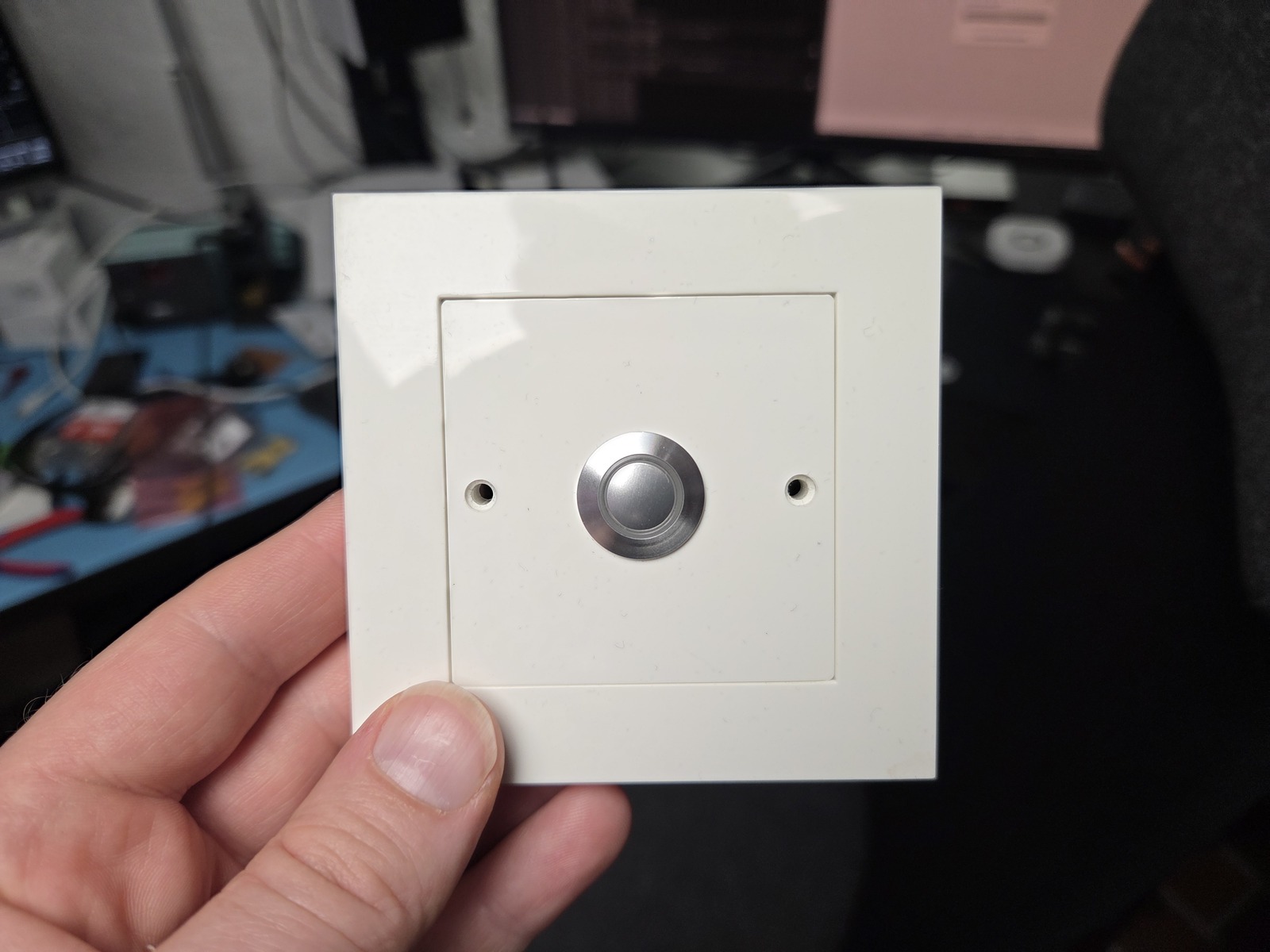
Next on the agenda is to pull and terminate the cables in the alarm cabinet (a cable duct has already been mounted in the ceiling to allow for some service length) and to mount the ready LED and reset button in the entryway.
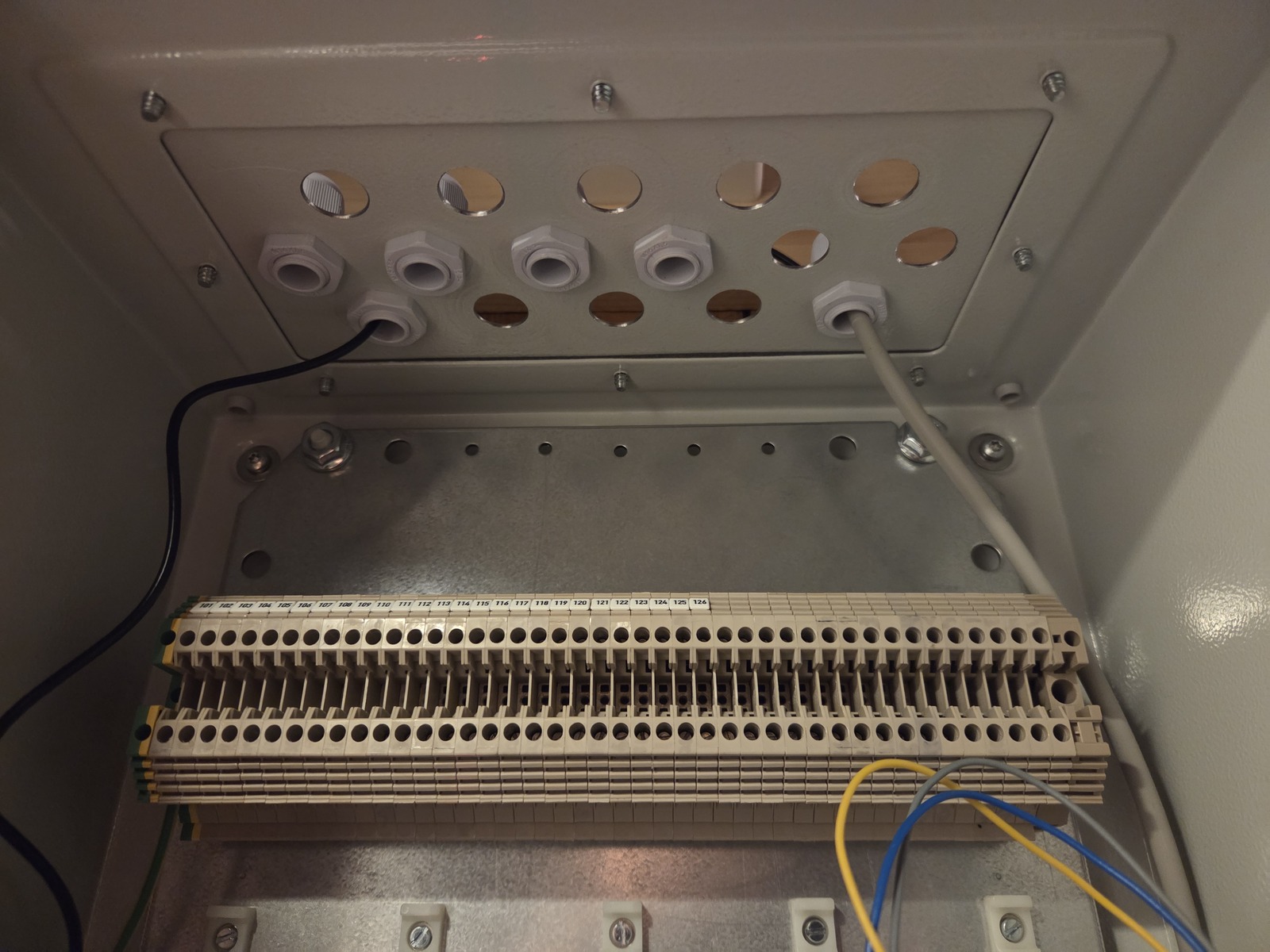
In the previous alarm setup, the cables and connections got unwieldy fast, and it all turned into spaghetti. I don’t want to repeat that mistake. What goes where in the terminal block will be decided by what works best.
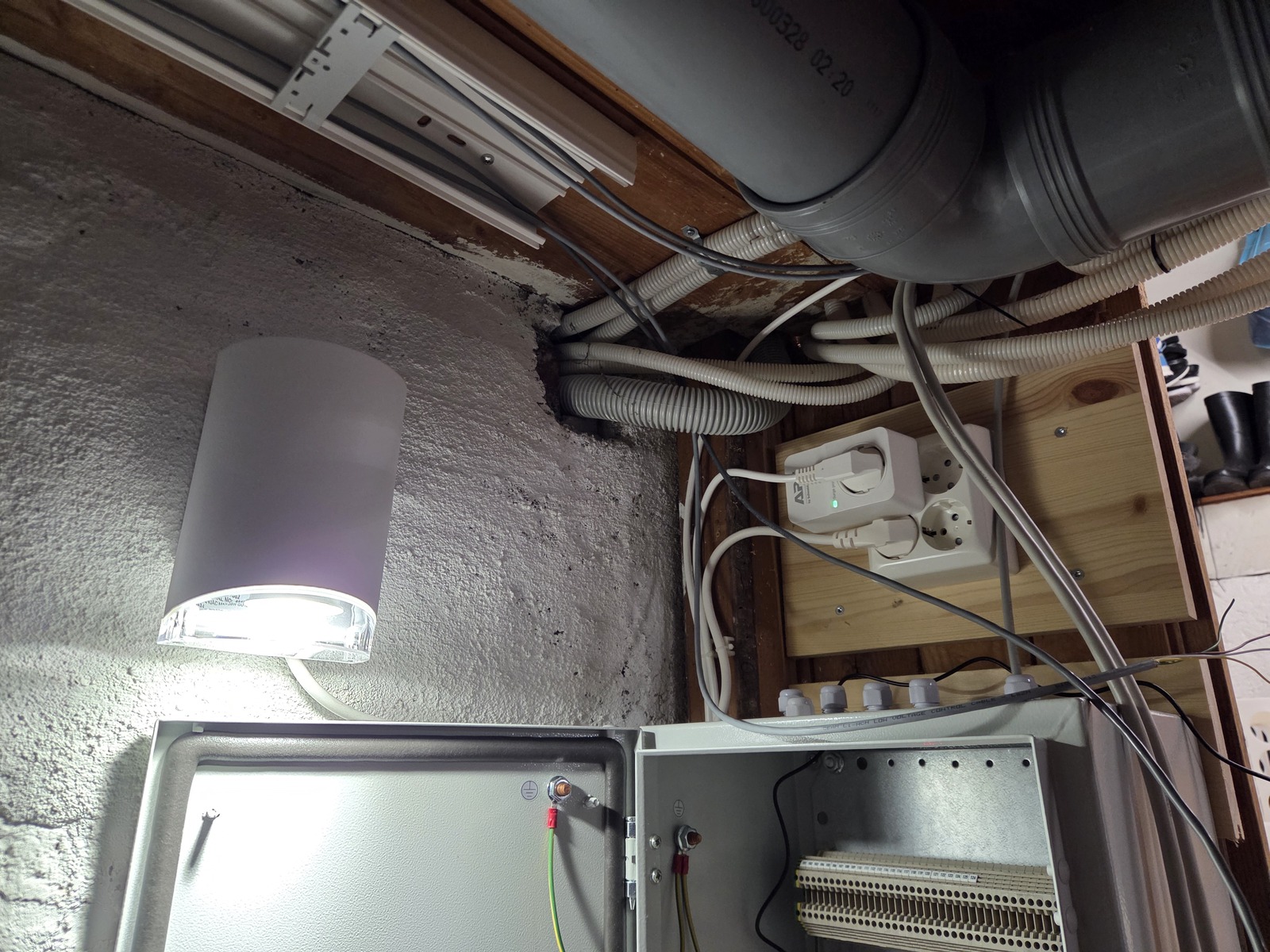
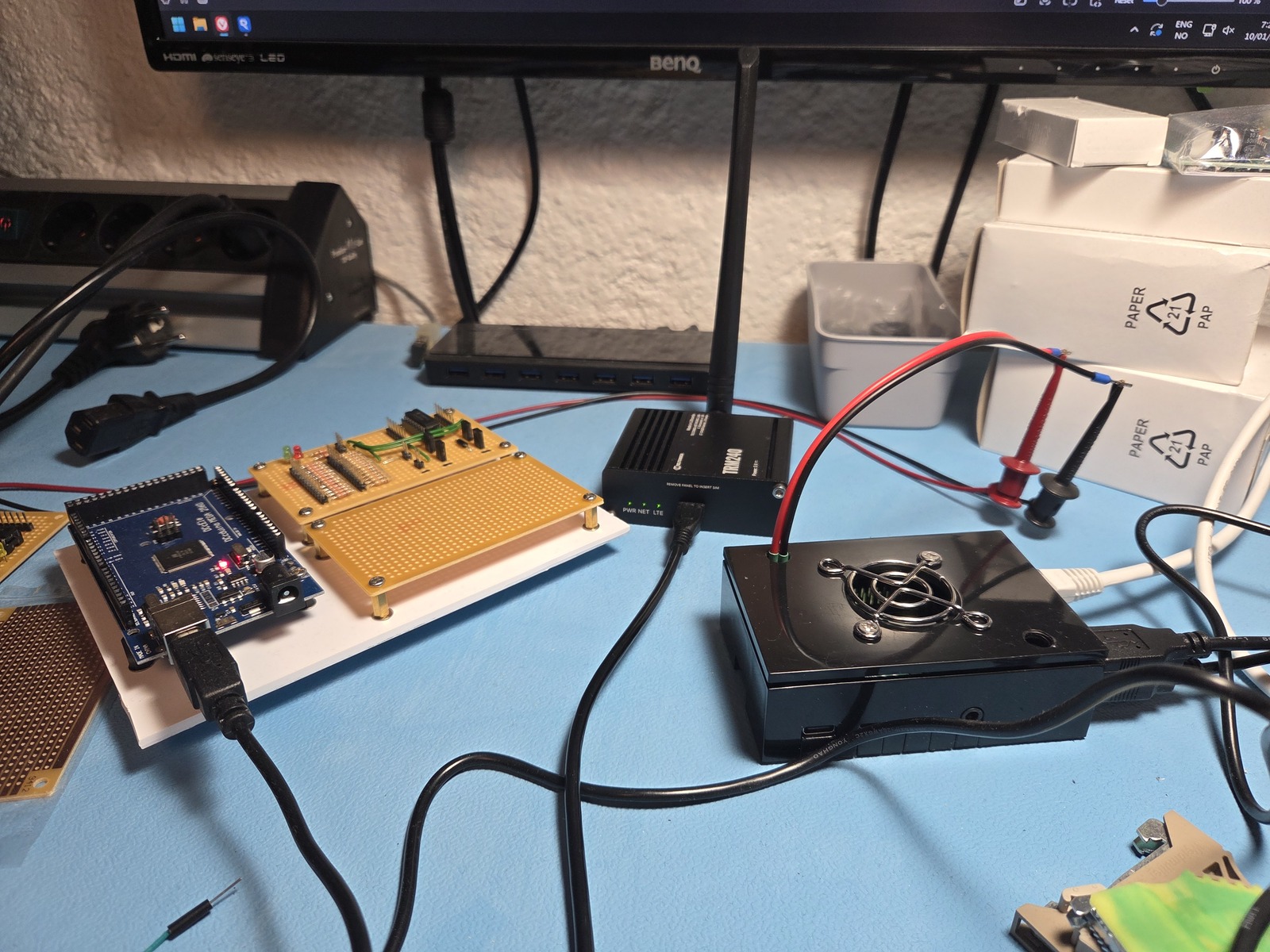
The #Arduino Mega, #RaspberryPi, and #Teltonika 4G modem have been moved into the alarm cabinet. The modem has an external antenna.
Some outputs have been wired up to the driver boards, and a screw terminal shield for the Mega is underway. Getting very close to wiring up the most essential outputs.
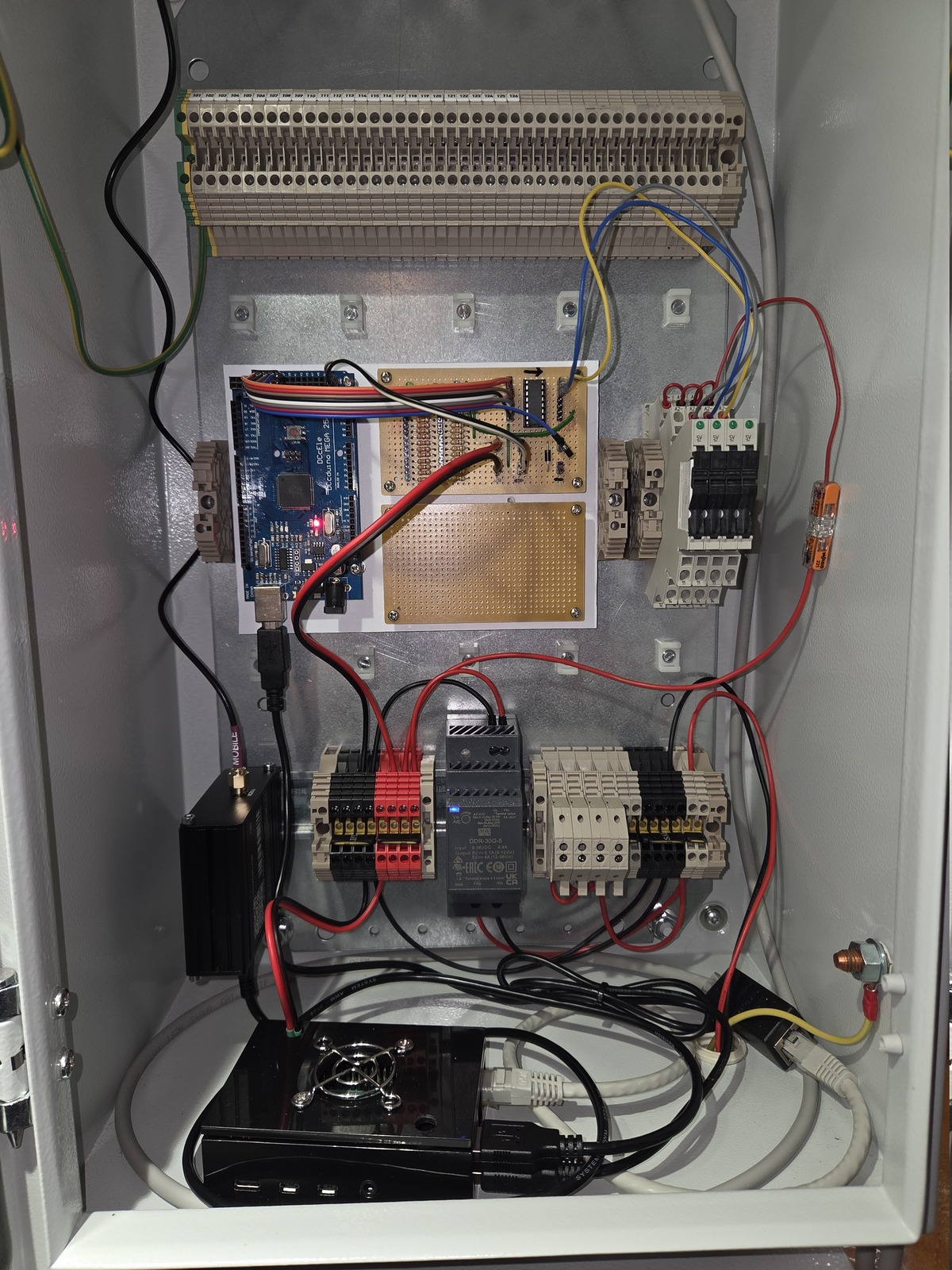
More progress: the #RaspberryPi is now running the bridge software and communicating with the #Arduino Mega. The SD filesystem is read-only to prevent burnout and corruption in case of an unscheduled shutdown.
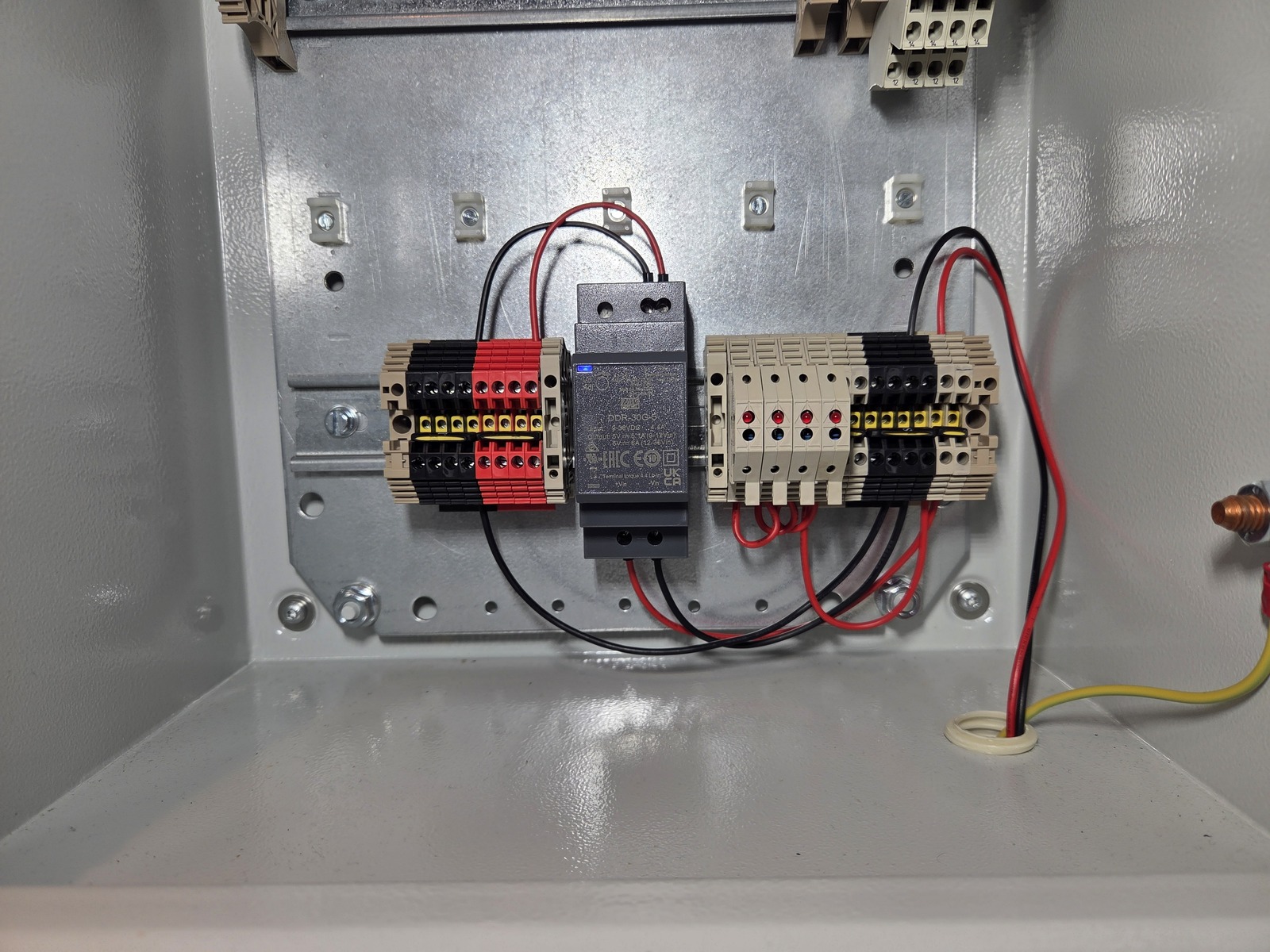
The Arduino, Raspberry Pi, and Teltonika TRM240 modem are drawing 660 mA at 5.11 V. The alarm cabinet now has 13.8 V with battery backup and 5 V from a DC/DC converter.
Next is to install this in the cabinet 😀
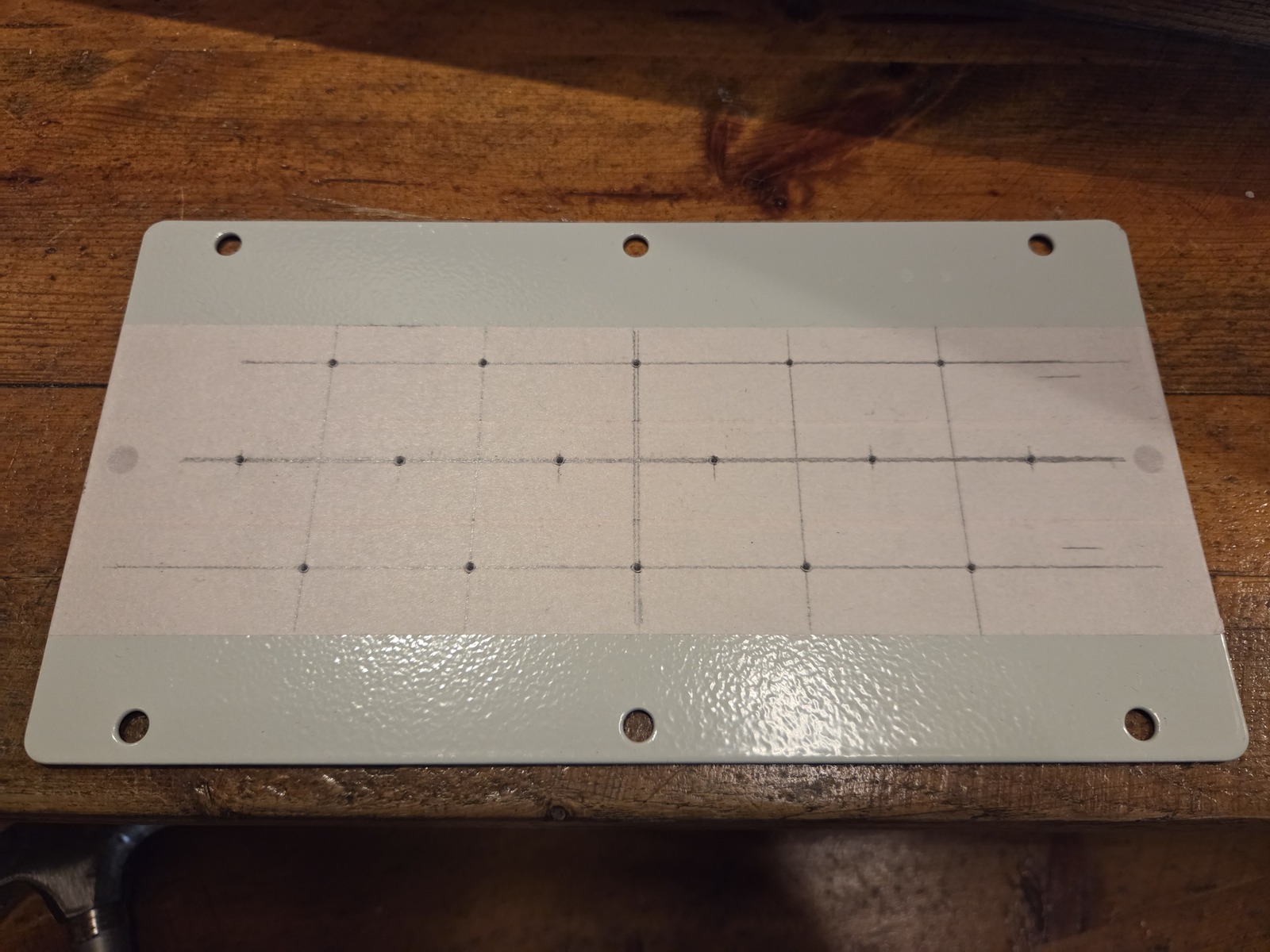
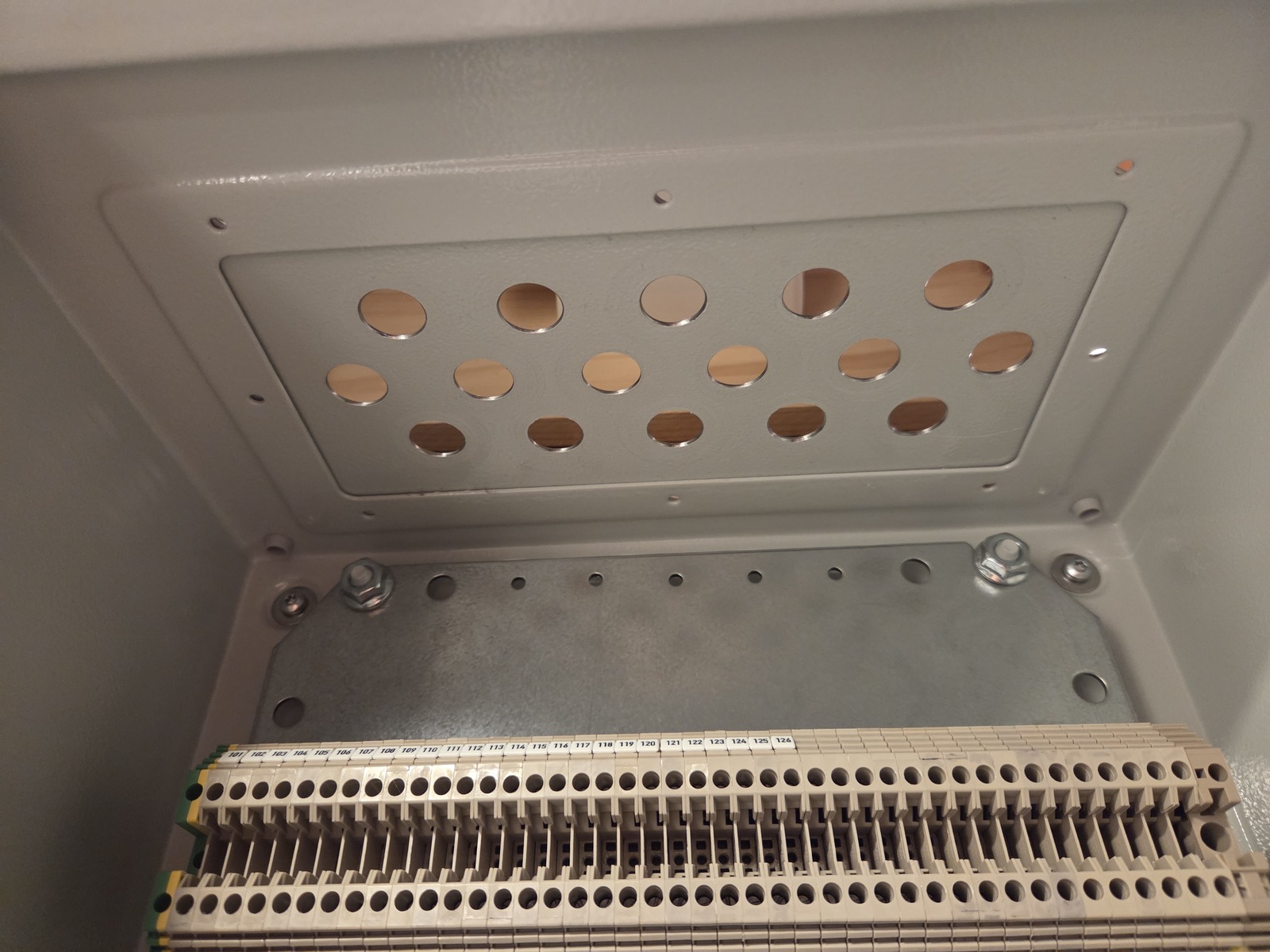
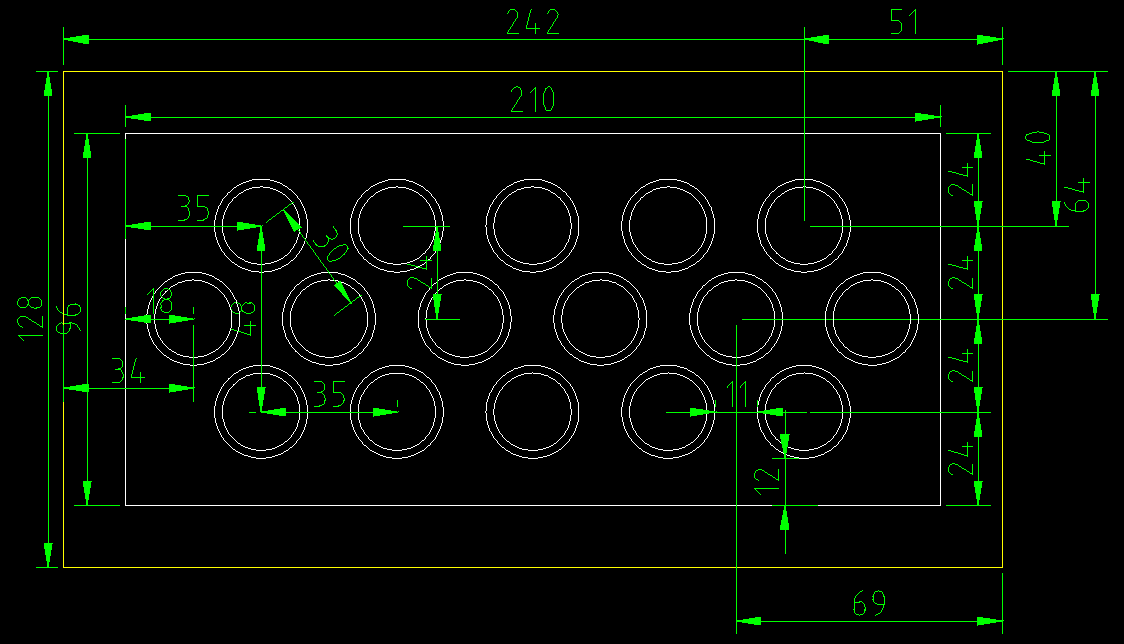
Progress continues. I’ve drilled 16 × 16 mm holes in the top gland plate. Rubber grommets will seal the ones I don’t use.
This plate has never been properly mounted; the cables used to just “hang” into the cabinet.
Next is to get network and power up so the #RaspberryPi can be booted up. Then mount the #Arduino Mega and wire up some outputs.
I’m using the previous I/O board with 7 outputs. New boards will have 16 zones, 8 inputs, and 21 outputs.
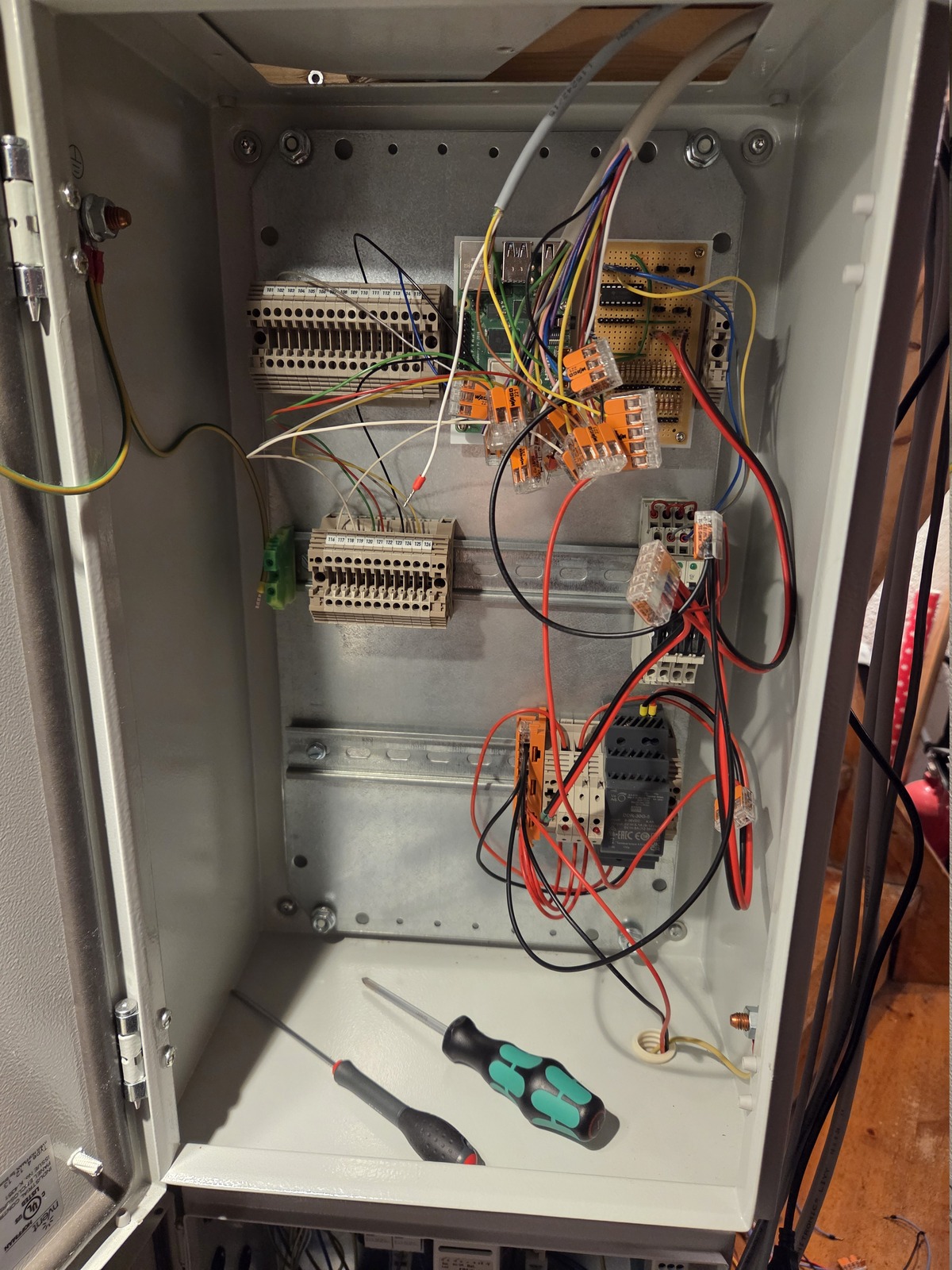
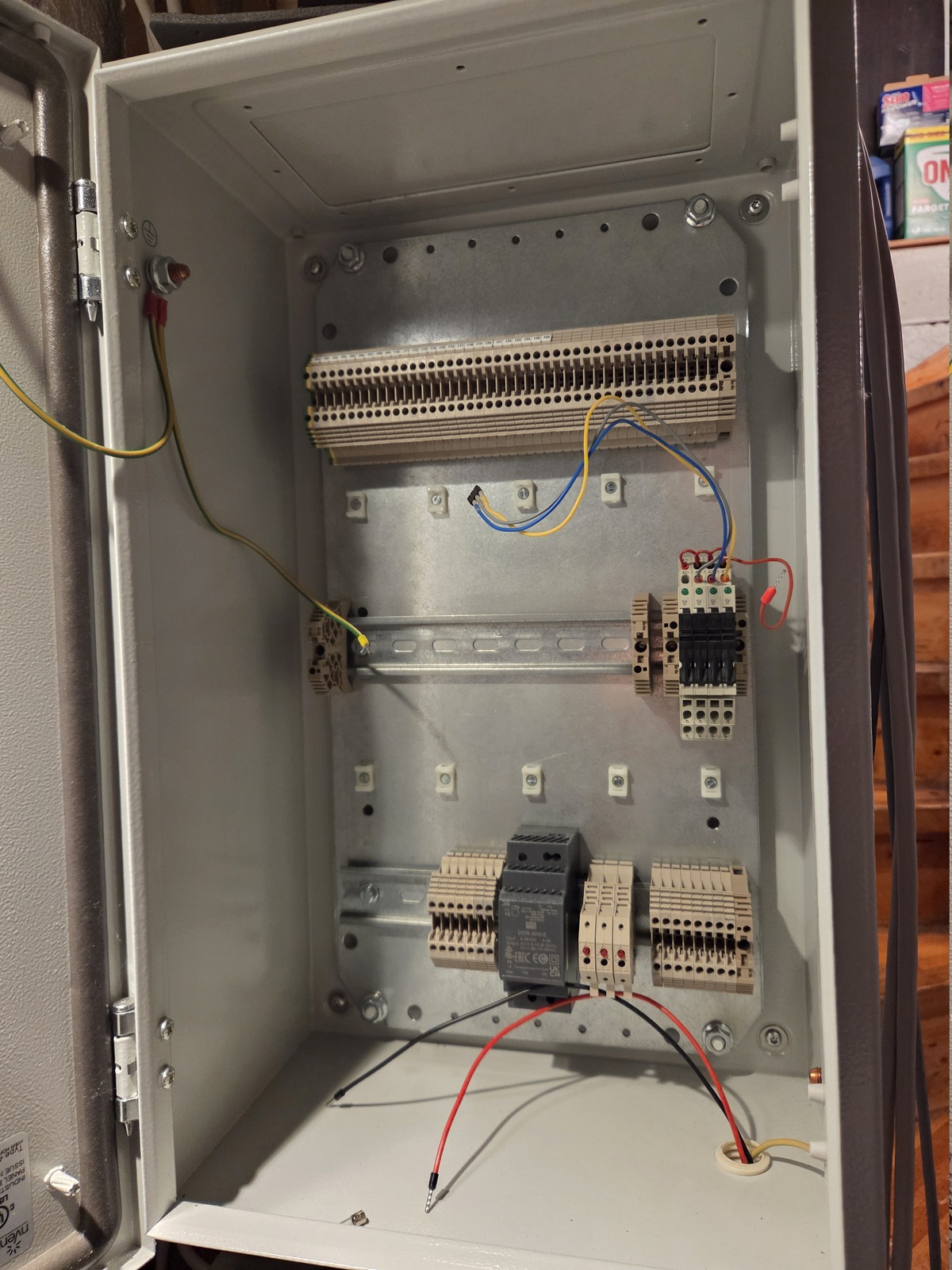
DIN rails have been moved to better accommodate the new setup. Previously, there was lots of space at the bottom for the battery, but it has now been moved into a dedicated cabinet. There are lots of terminal blocks at the top for incoming cables.
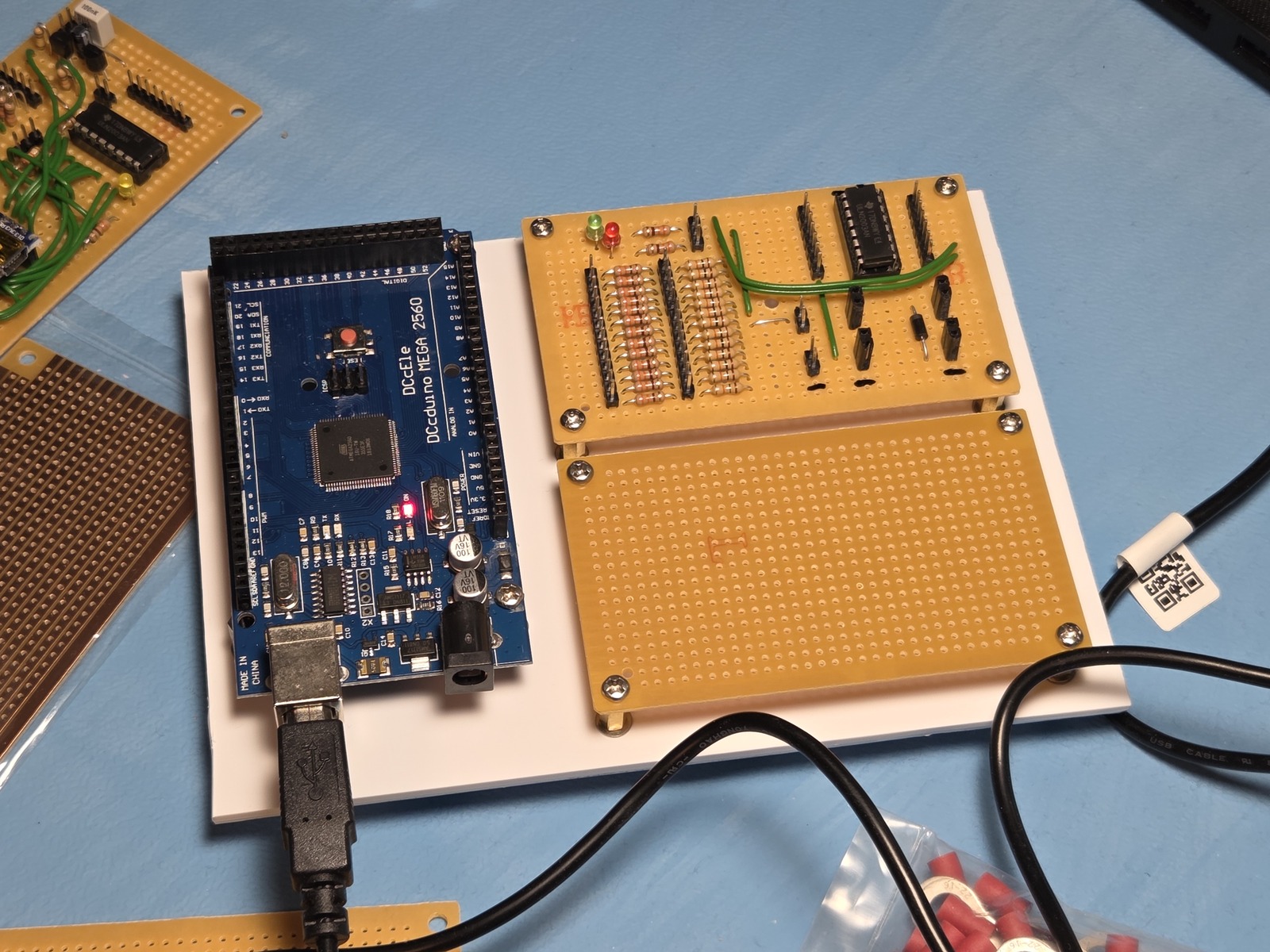
I made a simple DIN-mountable PCB holder out of a 3.2 mm sheet of polystyrene for the #Arduino and I/O boards. I’m reusing the old board for testing.
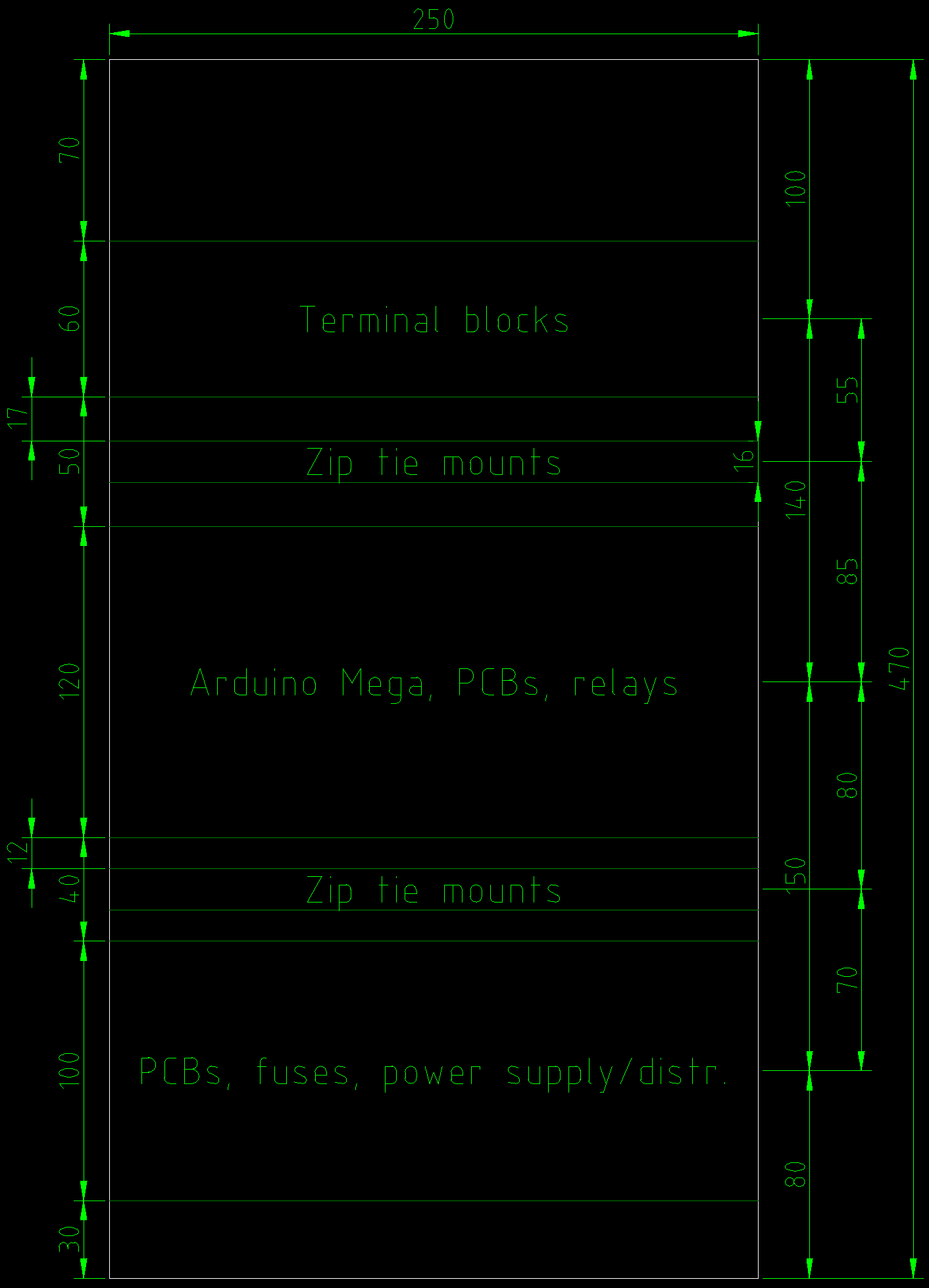
Out with the old, to make room for the new. The firmware for the #Arduino Mega has reached a point where it’s time to give it a try. The last piece was the ability to store user PIN and RFID tags.
The system is currently operational, but only with wireless sensors and no outputs. Time to wire up some outputs and do a proper test — and figure out an optimal placement for the new cabinet content.
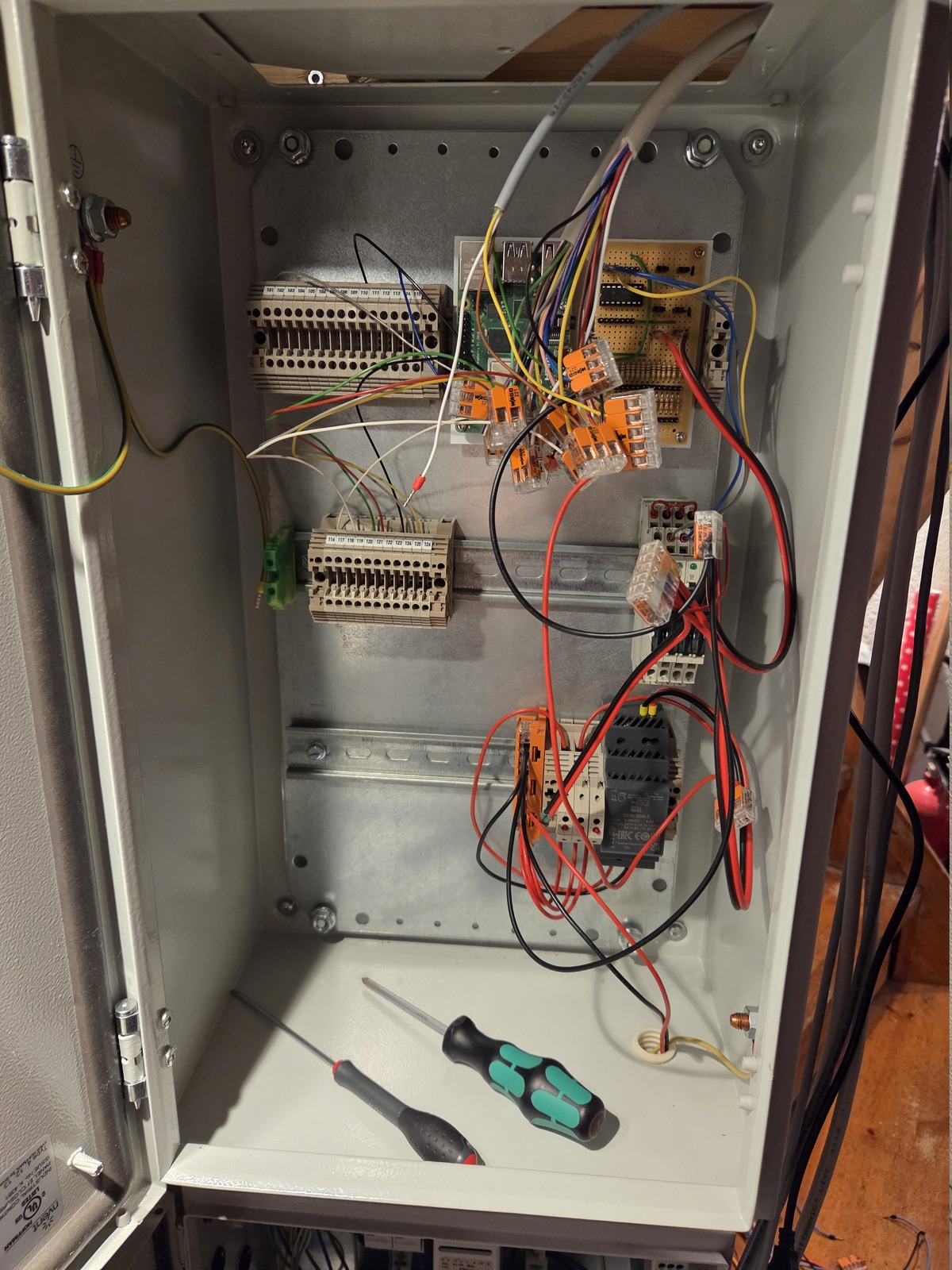
OK, so my scope may have exploded a bit. I am now working on:
Using 21% RAM and 6.2% flash on the Arduino Mega.
Source here: https://forge.cavelab.dev/diy-alarm/core

A lot has happened with my homelab rack since my last update. In fact, this post is a bit challenging to write as my plans have changed and changed again. Some communicated and some not.
My last update, from late 2024, contains many plans which have later been abandoned.
So let’s see if we can navigate through this mess and set the record straight.
The notes implementation is now complete; it even has Mastodon-style media support. In addition, I’ve revamped the computers, projects, and tag term lists.
I’ve started tinkering with dedicated video pages to make it easier to share and embed videos both in notes and on Mastodon. Still a work in progress.